
Get a modern, responsive and high-performance website built by an experienced developer. → 💼 Hire Me on Fiverr Today
YouTube Thumbnail Cropper 16:9 Online
YouTube Thumbnail Cropper 16:9 online tool
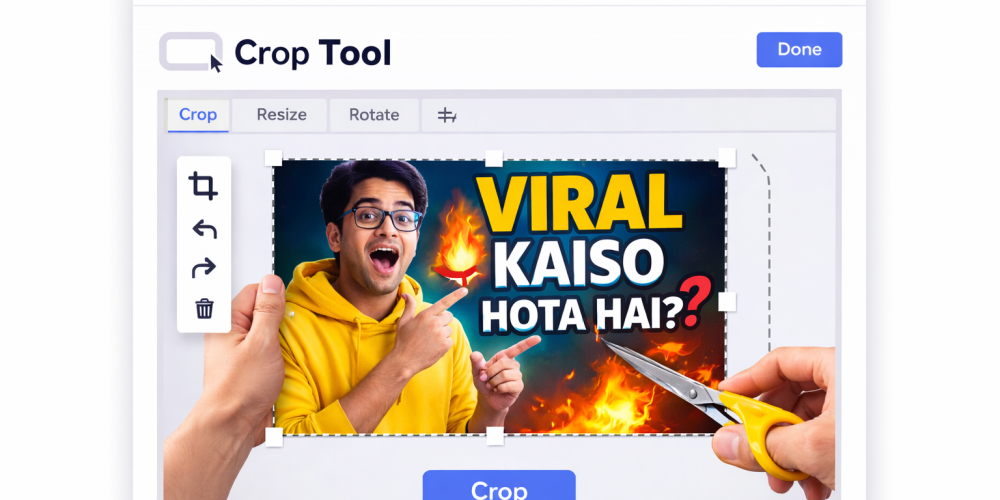
YouTube Thumbnail Cropper 16:9 is a free online tool that perfectly crops your images to YouTube's recommended 16:9 aspect ratio (1280×720 pixels). With this tool, you can create professional-looking YouTube thumbnails without needing Photoshop or any other software.
Whether you're a YouTuber, a content creator, or a beginner – this tool provides a solution for fast and accurate thumbnail cropping.
Get a modern, responsive and high-performance website built by an experienced developer. → 💼 Hire Me on Fiverr Today
Popular Tools
 JPG to PNG
Convert your JPG files to PNG format.
 Image Resizer
Quick and easy way to resize an image to any size.
 Image Compresses
Reduce image files size by up to 80 to 90% using this tool.
 Image to text
extracts text from images using (OCR) technology.
 image To base64
encode your images to Base64 with optimized encoding.
 crop image
Use this tool to crop unwanted areas from your image.
 Youtube Thumbnail
Download youtube thumbnail Images of all quality.
 QR code scan
QR code scanner online. It helps you scan QR from image or camera.
 Password generate
Generate strong, secure, and unique passwords instantly.
What does the YouTube thumbnail cropper 16:9 tool do?
The YouTube Thumbnail Cropper 16:9 tool is a powerful and easy-to-use online tool specifically designed for YouTube creators. The tool's main purpose is to convert any image to YouTube's standard 16:9 aspect ratio, ensuring your thumbnails look perfect on every device and attract more clicks to your videos.
This tool allows you to:
- Crop the image to a 16:9 ratio - Whether your photo is square, portrait, or landscape, this tool automatically or manually adjusts it to the 16:9 format.
- The perfect thumbnail size for YouTube is a banana - This tool optimizes images while adhering to YouTube's recommended thumbnail size (such as 1280x720 pixels), ensuring that the quality is not compromised after uploading.
- View preview before cropping - You can click on the preview button to see how the thumbnail will look on YouTube, which significantly reduces the chance of making a mistake.
- Download high-quality output without blur - It maintains the image clarity and sharpness after cropping, without any blur or pixel loss, which helps increase the CTR (click-through rate).
How to crop a YouTube thumbnail? (Steps)
Cropping YouTube thumbnails is very easy; you just need to follow a few simple steps. Whether you're a beginner or a professional creator, by following these steps, you can create the perfect 16:9 YouTube thumbnail without any complicated software.
Step 1: Upload your image (JPG, PNG, JPEG)
First, you need to upload your image. You can use images in any format, such as:
- JPG
- PNG (Transparent Support)
- JPEG
- WEBP (Transparent Support)
The tool automatically processes the image as soon as it is uploaded.
Step 2: Select the 16:9 aspect ratio.
After uploading the image, the next step is to select the 16:9 aspect ratio. The 16:9 ratio is the standard thumbnail size for YouTube.
This means:- The width is greater (horizontal format).
- The height is comparatively less.
- The thumbnail fits perfectly on the YouTube player.
The tool automatically crops and adjusts the frame to a 16:9 aspect ratio, eliminating the need for you to perform any calculations.
Step 3: How to use crop?
- You can adjust the crop area yourself.
- You can set the position of the image by dragging it.
- You can create the perfect framing by zooming in and out.
Step 4: View a live preview of the thumbnail.
Before cropping, you can click on the preview button to see a preview. This will give you an idea of how the thumbnail will look on YouTube.
With the preview, you can:- You can check the image alignment.
- You can check whether the test is clear or not.
- Can you confirm whether the subject is properly visible or not?
Step 5: Final Image Download Karein
Once you are satisfied with the preview, you can download by clicking the Crop Image button.
After downloading, you will receive:- High-quality image
- Blur-free thumbnail
- YouTube-ready size
You can use this image directly when uploading a YouTube video.
Get a modern, responsive and high-performance website built by an experienced developer. → 💼 Hire Me on Fiverr Today
Frequently Asked Questions
What is the size of YouTube thumbnail?
The recommended size of YouTube thumbnail is 1280×720 pixels. Its aspect ratio is 16:9, which is a perfect fit for YouTube player.
Is YouTube Thumbnail Cropper Free?
Yes, YouTube Thumbnail Cropper tool is absolutely free.
Is image quality lost?
No, image quality remains intact even after cropping.
Which image formats are supported?
YouTube Thumbnail Cropper tool supports multiple image formats, such as:
- JPG
- PNG
- JPEG
- WebP
Can thumbnails be cropped on mobile also?
Yes, this tool works perfectly on all devices — mobile, tablet, and desktop.

 Preview