
Get lifetime ad-free access for just $9 — Buy Now
Resize PNG Images Without Losing Quality
Online Tool to Resize PNG Images


Resize PNG images online in seconds without losing quality. Our PNG image resizer lets you easily change image dimensions while preserving transparency. No signup, no watermarks, and no software installation required.
Whether you want to resize PNG images for websites, social media, apps, or documents, this tool delivers fast and accurate results.
Get lifetime ad-free access for just $9 — Buy Now
Key Features of PNG Image Resizer
Resize PNG images without quality loss - Advanced resizing algorithms are used that preserve image sharpness, clarity, and original quality perfectly – whether you make the image smaller or larger.
Maintain transparent background - The transparent background of PNG images remains exactly as it is. The background is not changed to white or black; it is preserved as is.
Fast & responsive on all devices - This tool works seamlessly on mobile phones, tablets, and desktops. No app installation is required; simply open simpleimageconvert.com in your browser and resize it as needed.
friendly & easy to use - With a simple UI, even beginners can resize images without any technical knowledge; simply upload → resize → download.
100% free – no registration required - No signup, login, or email verification required. A completely free tool with unlimited usage.
Secure processing & privacy focused - Images are not saved permanently on the server. Images are automatically deleted after 24 hours of processing, so your data stays safe.
How to Resize PNG Images Online
Step 1: Upload your PNG image - Click on “Choose Files” button Select your PNG image. The tool supports only PNG format, so transparency is absolutely safe.
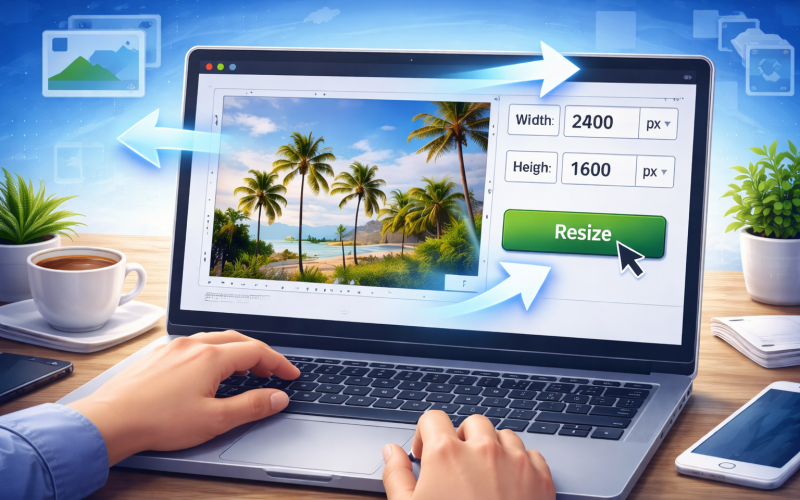
Step 2: Set new size (width & height) - You can set the image size in pixels (px), centimeters (cm), inches (inch) and millimeters (mm). Simply select the unit and enter the required width and height.
Step 3: Click on “Resize” button - Click the "Resize" button, change the exact size of the image, without quality loss and without changing the background color.
Step 4: Download the resized image instantly - After being resized, the PNG image is ready for torrent download. No watermarks, no signup, instant results.
Get lifetime ad-free access for just $9 — Buy Now
Frequently Asked Questions
❓ Will my PNG transparency be preserved after resizing?
Yes! Our PNG resizer retains the transparent background and high quality of your image during the resizing process.
❓ Is the PNG resizer completely free?
Absolutely. You can resize unlimited PNG images without any cost, watermark, or signup required.
❓ Does the tool work on mobile?
Yes, the tool is fully mobile-optimized. You can resize PNG images directly from your phone or tablet browser.
❓ Is there a file size limit?
Currently, we support PNG files up to 10MB. We’re working on increasing this limit in future updates.